
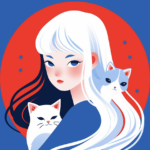
想在视频里加入属于自己的手绘风格动画人物,但一没绘画基础,二没时间逐帧手绘?别担心。AI可以把这件事变得像打字一样简单。今天分享一个通用、便捷的方法,不用画笔,就能给视频加上独一无二的人物动画。
为什么“手绘人物动画”突然这么火?
打开社媒,你会发现越来越多的视频博主开始使用手绘风格的人物动画——可能是片头的一个小人,也可能是贯穿全片的“虚拟分身”。这种风格的好处很明显:
- 差异化:在真人出镜和PPT式讲解的海洋里,手绘动画让人眼前一亮
- 亲和力:手绘自带温度,比真实人脸更容易拉近距离
- 隐私保护:不想真人出镜?手绘动画是最好的替代方案
- 记忆点:一个独特的小人,比一张真实的脸更容易被记住
问题是——绝大多数视频创作者不会画画。
| 工具 | 用途 | 是否必须 |
| WeShop (weshop.com) (https://www.weshop.com/tools/gpt-image) | 用GPT Image 2生成手绘风格人物形象 | ✅ 必须 |
| Kling 3.0(https://www.weshop.com/tools/kling) | 将静态图转化为动态动画(关键帧、骨骼绑定) | ✅ 必须 |
| 1段文字描述 | 你想要的人物形象(风格、发型、衣服、表情) | ✅ 必须 |
| (可选)参考图 | 你喜欢的手绘风格截图 | 推荐 |
详细步骤指南
步骤 1:用AI生成你的“手绘人物”
打开WeShop 的GPT Image 2(https://www.weshop.com/tools/gpt-image),输入以下格式的指令。
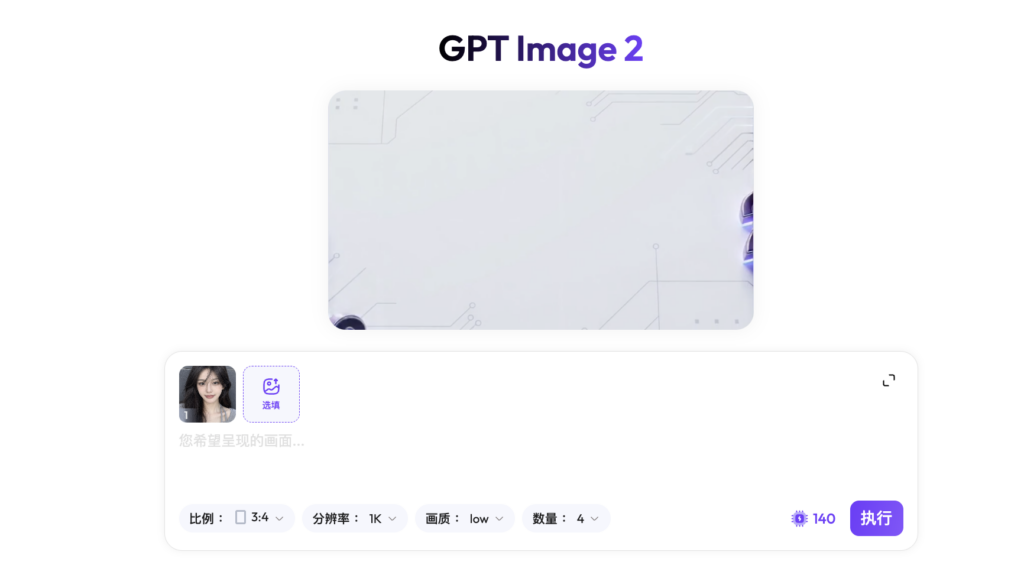
通用指令模板(可直接复制修改):
请帮我生成一个手绘风格的人物形象,用于视频动画。人物描述:[你的身份,如:一个20多岁的女生/男生]发型:[例如:齐肩短发、丸子头、碎盖头]服装:[例如:白色T恤、连帽卫衣、衬衫]表情:[例如:微笑、搞怪、认真]姿势:[例如:双手叉腰、比心、挥手]风格要求:2D手绘插画风格,线条简洁流畅,色彩干净明亮。类似于日常Vlog中常见的“虚拟博主”形象。人物比例适中(非Q版大头),全身或半身均可。背景透明或纯白色。画幅比例:1:1 或 16:9(取决于你的视频需求)
案例prompt:
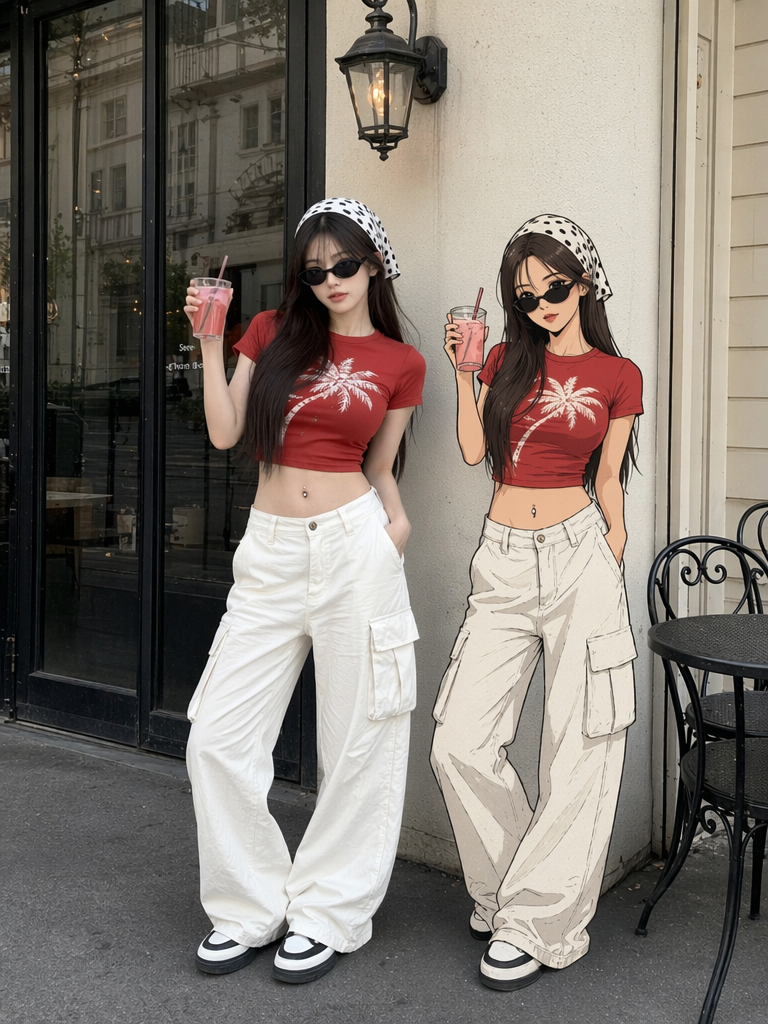
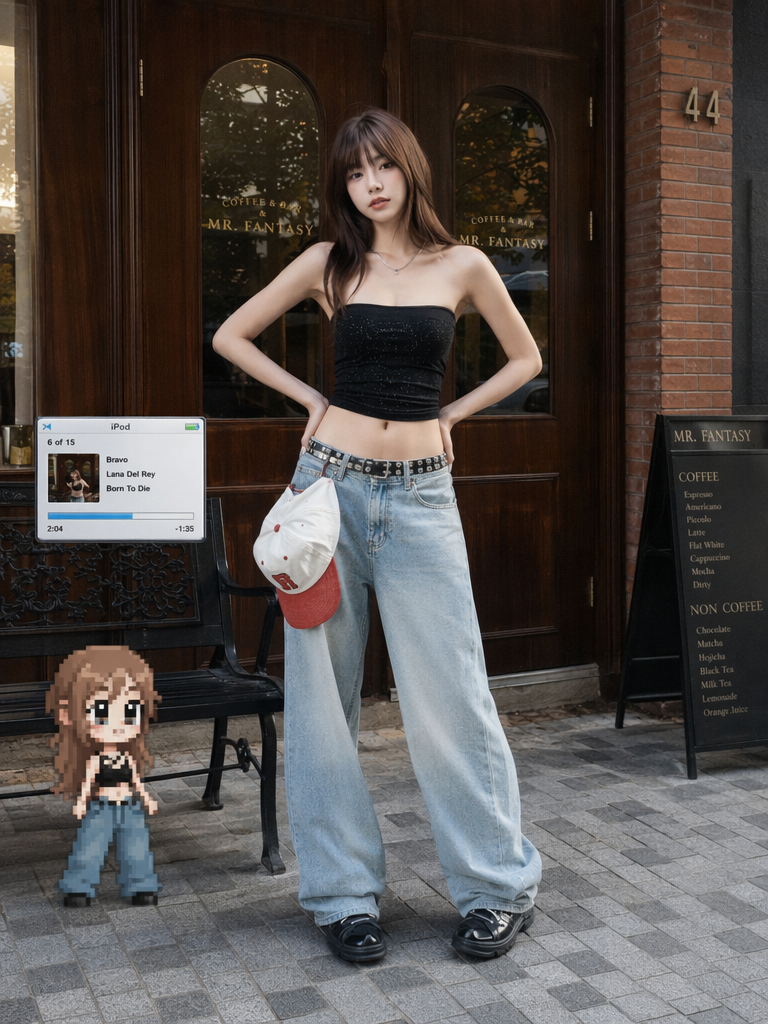
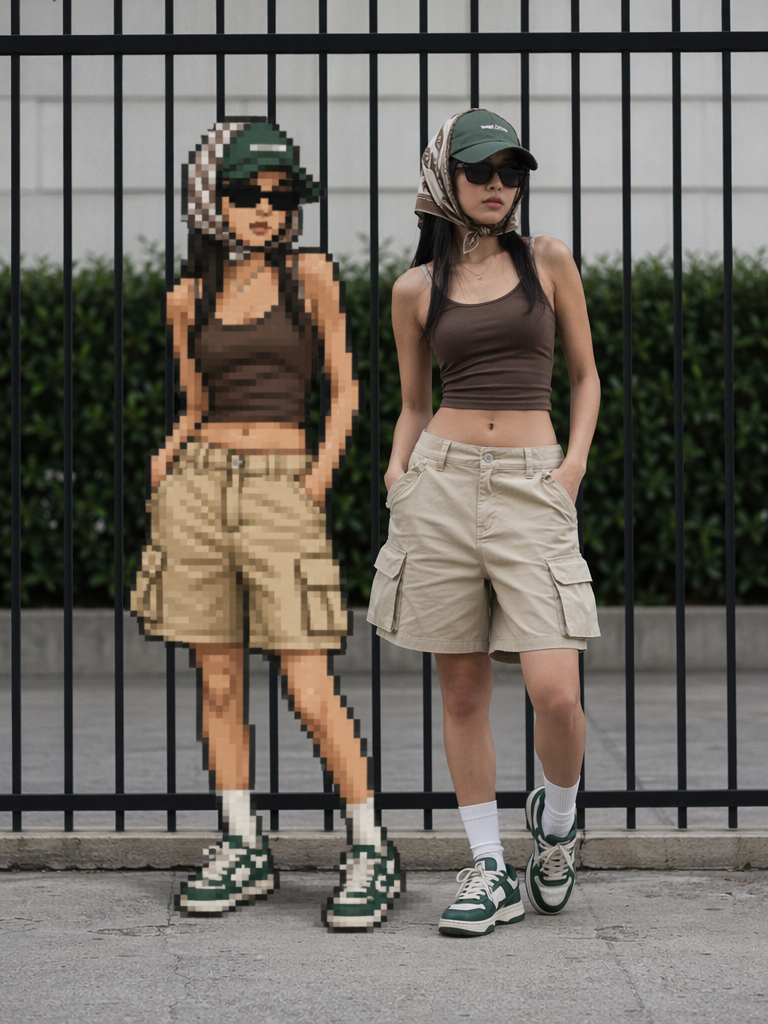
“visual_hook”: “The vividly contrasting red and white outfit, the waist and abdomen curves revealed beneath the low-cut short T-shirt, the details of the navel ring, and the magical dislocation effect created by the presence of a real person alongside the same style cartoon character.” ,
“camera_angle”: “Full-body street photography from a level-view angle, with a stable camera position, presenting a natural proportion of the subjects.” ,
“framing_and_depth”: “Full-body shot, with the background being moderately blurred streets and shops. The subject and the background have a clear spatial distance, creating a sense of three-dimensionality.” ,
“medium_physics”: “High-definition digital photography quality, with fine and sharp image details, no obvious noise, high color saturation, and bright and uniform lighting.” },
“subject_content”: {
“identity_features”: “Young female, Asian features, fair skin, long straight brown hair, exquisite and well-defined facial features, well-proportioned and slender figure, flat abdomen with a distinct navel ring decoration.” ,
“overall_pose”: “Standing posture, with the body’s center of gravity slightly shifted to the right, presenting a casual and confident street style.” ,
“limb_articulation”: “The right arm is raised to the right upper side, holding a transparent glass cup; the left hand is naturally inserted into the pocket, with the center of gravity on the left leg.” ,
“pose_dynamics”: “The body lines are gracefully stretched, presenting a relaxed dynamic balance, and embodying a vibrant street fashion attitude.” ,
“Interaction with Environment”: “With both feet firmly planted on the flat street surface, the main figure occupies the visual center of the picture, giving a strong sense of reality.” },
“environment”: {
“visual_depth_stack”: “Foreground: From left to right, there is a flat, dark gray asphalt road surface, with a narrow curbstone at the bottom; Middle ground: From left to right, the main figure and the cartoon-like replica on its right, with a metal round table and two black chairs arranged behind the figure; Background: From left to right, there is a white wall, with a black European-style vintage wall lamp hanging on it, and on the right side, there is a large area of floor-to-ceiling glass doors and windows, through which a dark display cabinet can be seen inside.” ,
“realism_rules”: [
Strictly adhere to the aesthetic standards of street fashion, emphasizing the texture and drape of the clothing. ,
“Cartoon elements and real images should have a clear visual style separation, but the composition logic should remain consistent.” ,
“Prohibit excessive makeup enhancement and skin smoothing, and preserve the true texture and transparency of the skin.” ,
“Maintain the verticality of the building lines in the background and avoid perspective distortion.” ]
生成后:你会得到2-4张不同姿态的手绘人物图。挑选最满意的一张。
💡 提示:如果你想要多张不同姿势(比如挥手、走路、坐着),可以在一次生成后,使用WeShop 的【换姿势】功能https://www.weshop.com/tools/ai-pose-generator,修改姿势描述重新生成,人脸和画风会保持一致。
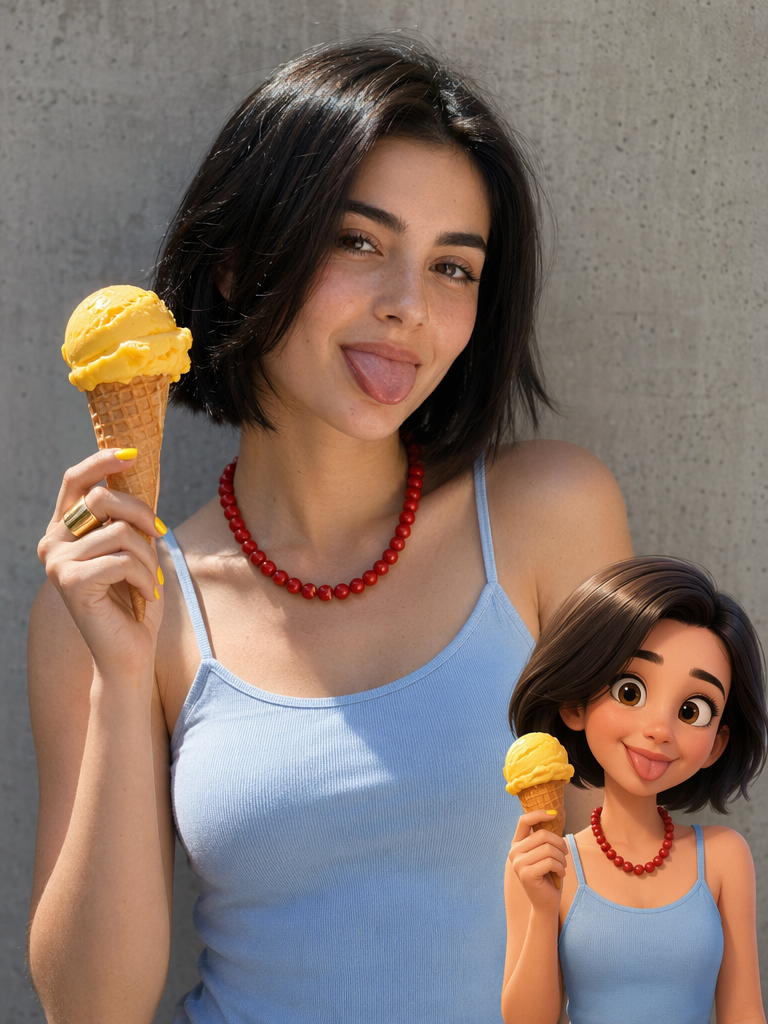
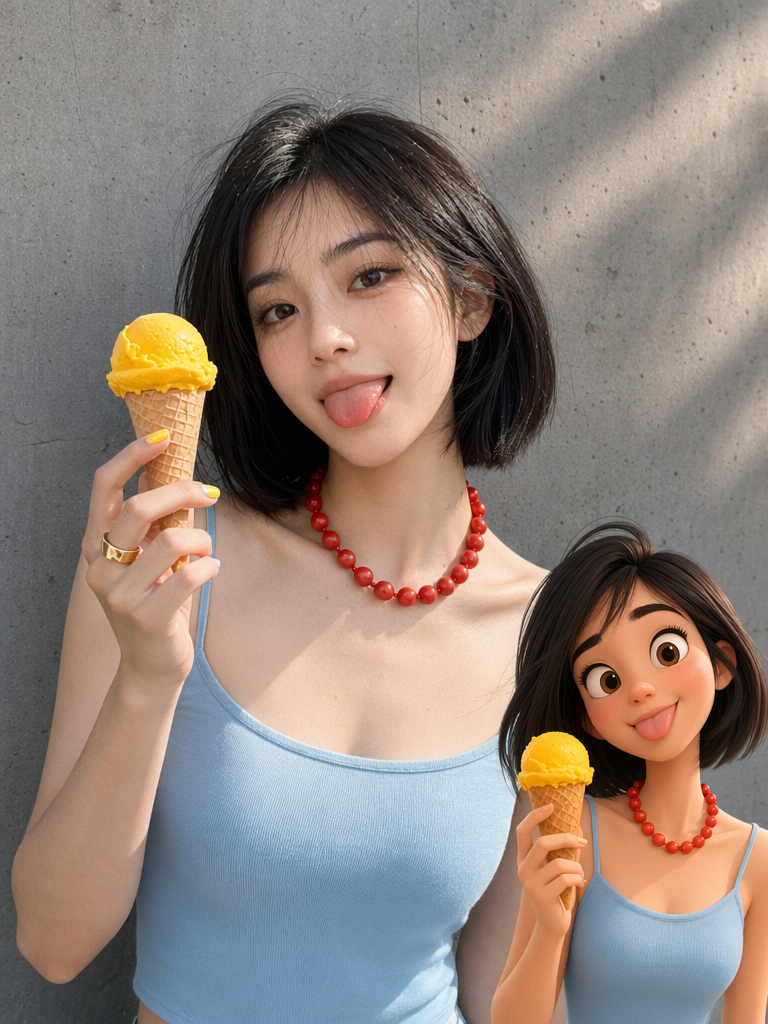
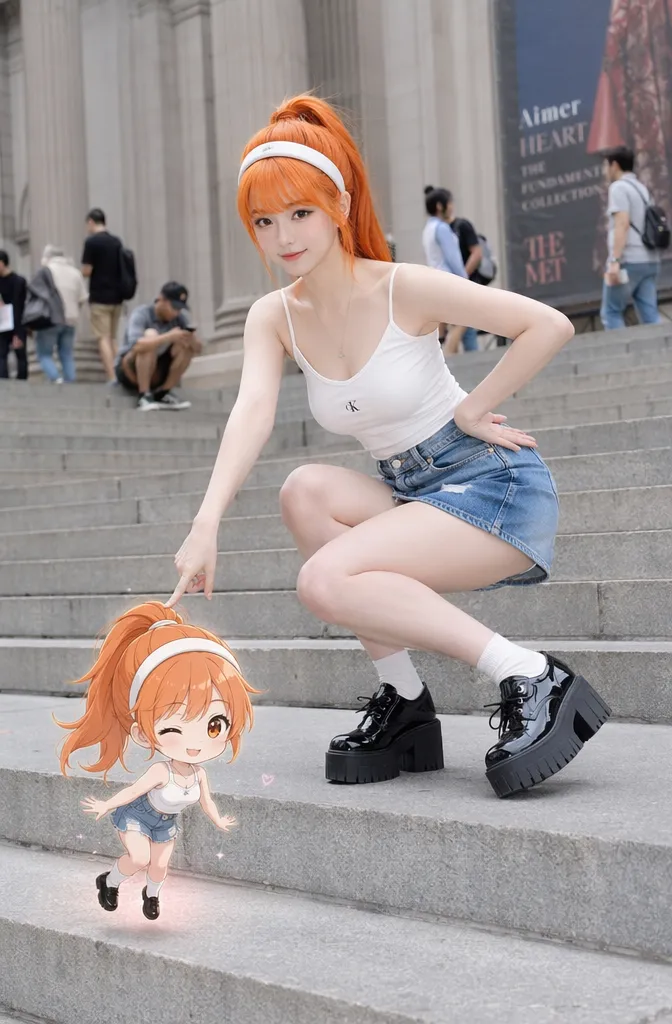
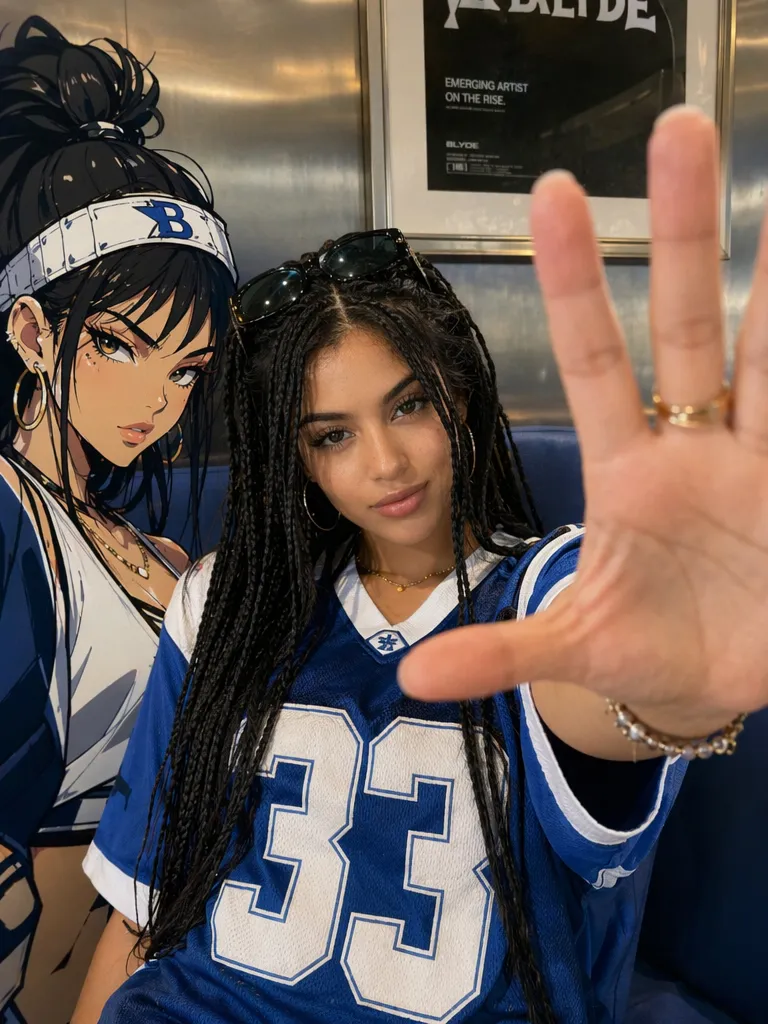
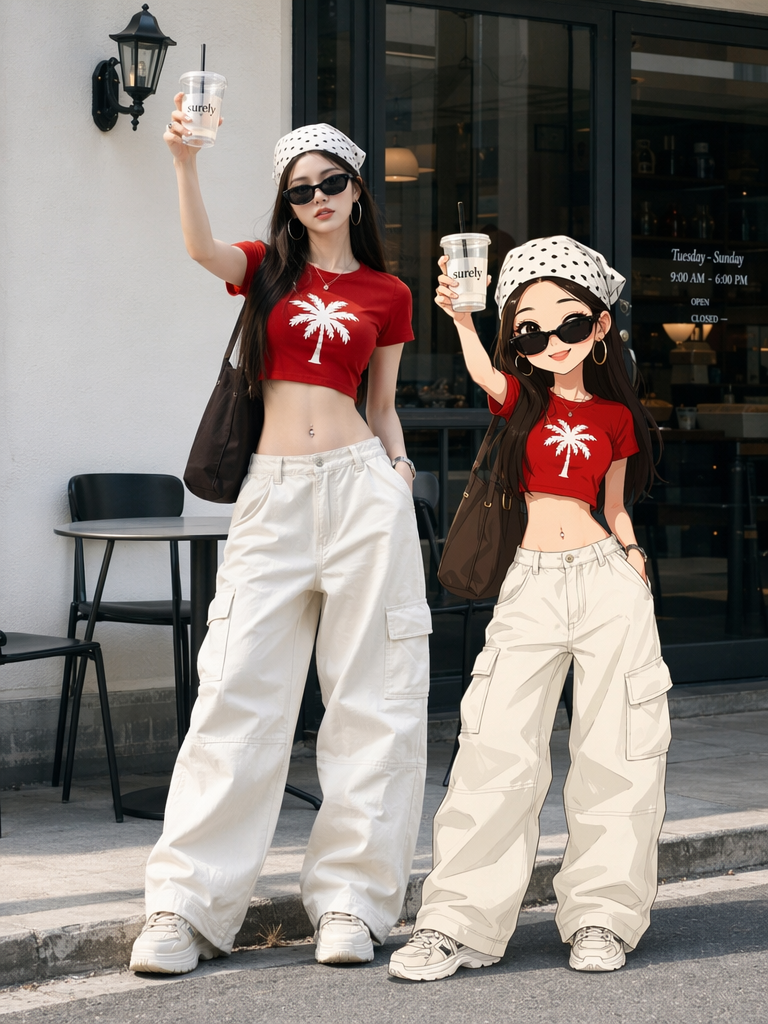
步骤 2:在WeShop中让“人物”动起来
打开:Kling 3.0(https://www.weshop.com/tools/kling)
- 片头介绍:人物从画面外走进来,挥手说“大家好”
- 转场过渡:人物用身体挡住画面,然后移开,切换到下一段
- 情绪表达:在关键信息点,人物做出夸张表情或动作(震惊、点赞、困惑)
最终效果预览:
“不会画画”这件事,曾经是视频创作者想做手绘动画时一道跨不过去的墙。现在AI把这堵墙拆了。
马上行动:
- 打开 (https://www.weshop.com/tools/gpt-image),用本文的指令模板生成你的第一个手绘人物
- 打开Kling 3.0(https://www.weshop.com/tools/kling),让画面动起来
你会给自己的视频设计一个什么样的手绘分身?是戴眼镜的宅系博主,还是穿西装的职场达人?快来WeShop试试吧。